What are the Core Web Vitals targets in 2026?
The current Core Web Vitals remain
LCP, INP, and CLS. Google’s “good” thresholds are:
| Metric |
What it measures |
Good |
Needs improvement |
Poor |
| LCP |
Loading performance |
≤ 2.5s |
2.5–4s |
> 4s |
| INP |
Responsiveness |
≤ 200ms |
200–500ms |
> 500ms |
| CLS |
Visual stability |
≤ 0.10 |
0.10–0.25 |
> 0.25 |
These thresholds are evaluated at the
75th percentile of real user visits, not simply from a single Lighthouse test.
What does LCP actually measure?
Largest Contentful Paint (LCP) measures how quickly the largest visible image, text block, or video is rendered. For a B2B website, this often means the hero headline, hero image, or another prominent above-the-fold element.
The official target is
2.5 seconds or less at the 75th percentile. For a high-performing B2B site, I’d treat 2.5 seconds as the minimum target rather than the aspiration.
What should a B2B website target for LCP?
Aim for
≤2.5 seconds for at least 75% of visits, and ideally get important landing pages closer to
2 seconds or below.
The biggest things to investigate when LCP is poor are usually:
- Slow server response time
- Oversized hero images
- Render-blocking CSS or JavaScript
- Poor image prioritization
- Excessive third-party scripts
- Web-font loading
- Slow hosting or CDN configuration
LCP includes factors such as connection setup, redirects, and server response time, so it is not simply an “image optimization” metric.
What does INP measure?
Interaction to Next Paint (INP) measures how responsive a page feels when users interact with it. It considers qualifying interactions throughout the visit rather than measuring only one initial interaction.
The current good threshold is
200ms or less at the 75th percentile.
For B2B websites, INP can matter particularly on pages with mega-menus, filters, calculators, forms, search, interactive pricing tools, chat widgets, and other JavaScript-heavy functionality.
What should a B2B website target for INP?
Treat
≤200ms as the required target. If you’re building a performance-conscious site, getting comfortably below 200ms gives you more headroom than aiming to barely pass.
Poor INP is often caused by excessive JavaScript, long-running main-thread tasks, expensive event handlers, and third-party scripts. Reducing unnecessary JavaScript can therefore have a much larger impact than simply optimizing images.
What does CLS measure?
Cumulative Layout Shift (CLS) measures unexpected movement of visible page content. A low CLS means users can read and interact with the page without elements suddenly jumping around.
The good threshold remains
≤0.10 at the 75th percentile.
What should a B2B website target for CLS?
Aim for
≤0.10, but ideally keep important pages substantially below that.
Common causes include:
- Images without reserved dimensions
- Ads or embeds without allocated space
- Dynamically inserted content
- Web fonts causing text reflow
- Cookie banners or promotional bars appearing unexpectedly
Google specifically identifies images, embeds, dynamically injected content, and fonts among common causes of layout shifts.
Do Core Web Vitals need to pass on mobile and desktop?
Yes. You should monitor
mobile and desktop separately because their performance characteristics can differ substantially. Google’s recommended thresholds are the same, but mobile is generally more demanding because of device and network constraints.
For B2B sites, don’t let a strong desktop score hide weak mobile performance.
Does a perfect Lighthouse score mean your Core Web Vitals pass?
No. Lighthouse is primarily a
lab test, while Core Web Vitals used for real-world assessment rely on field data. A page can score extremely well in a controlled Lighthouse environment while real users on slower devices or networks experience worse performance.
For ongoing monitoring, look at
real-user/field data such as CrUX or your own RUM data, alongside lab testing for diagnosis.
Are Core Web Vitals a Google ranking factor in 2026?
Core Web Vitals are part of Google’s page-experience signals, but passing them does not guarantee higher rankings. Relevance and overall search quality remain fundamental. Think of CWV as a
performance and user-experience requirement, not an SEO shortcut.
What Core Web Vitals targets should a B2B website redesign use?
For a practical 2026 performance specification, I’d set:
- LCP: ≤2.5s at the 75th percentile
- INP: ≤200ms at the 75th percentile
- CLS: ≤0.10 at the 75th percentile
- Mobile: monitor separately and prioritize it
- Key landing pages: aim materially better than the minimum where practical
- Production monitoring: use real-user data, not Lighthouse alone
The important point is that
“passing” should not be the finish line. For a B2B site where speed affects lead generation and conversion, use the Core Web Vitals thresholds as the floor and set tighter internal targets for your highest-value pages.

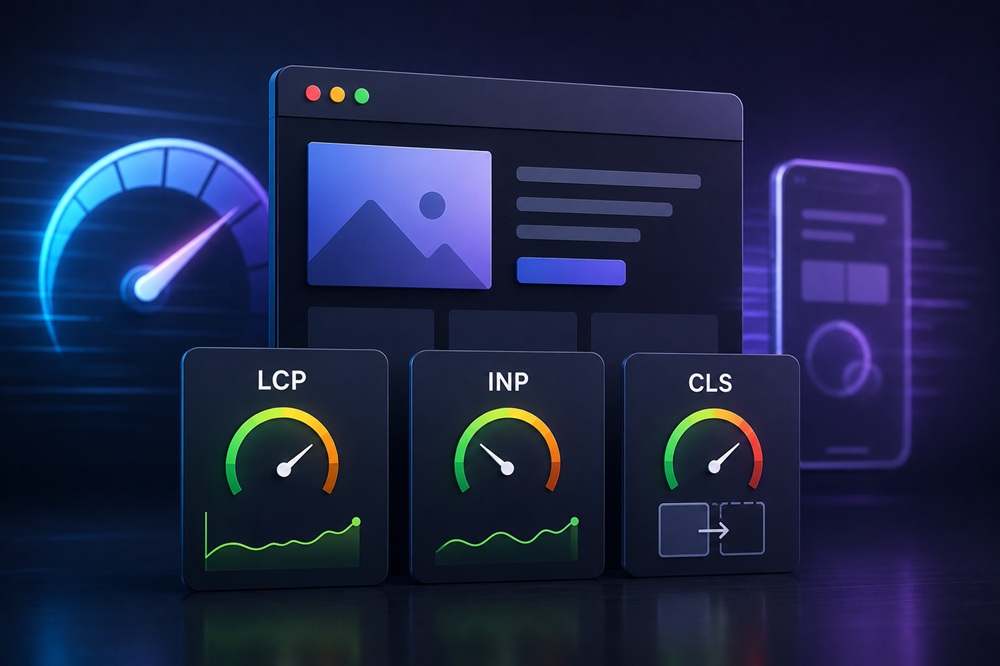
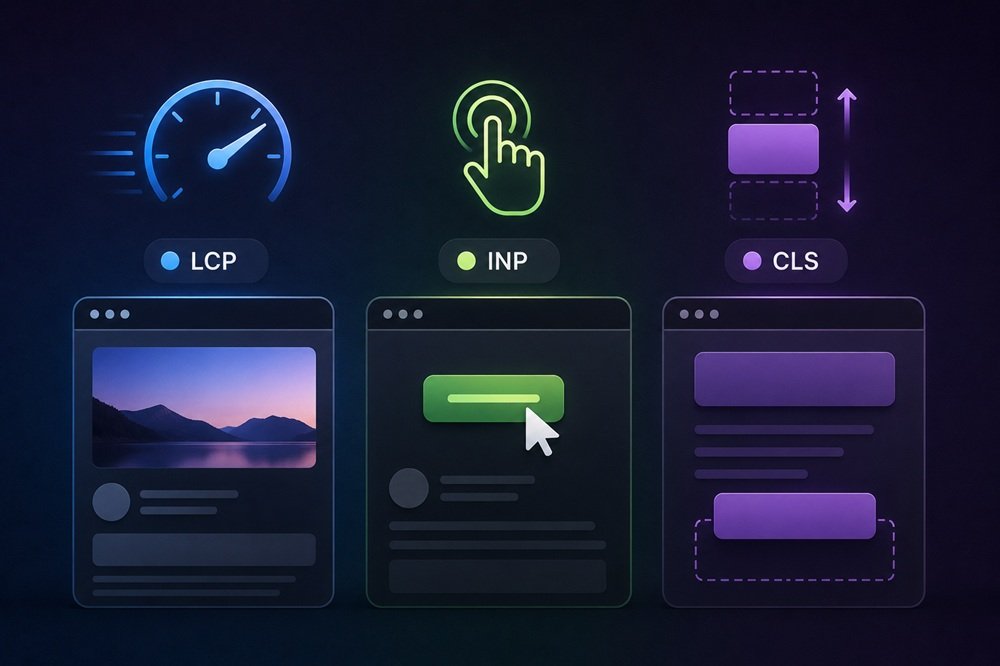 LCP (Largest Contentful Paint) measures loading performance — specifically, how long until the largest content element (usually the main image or text block) renders. It answers “how quickly does the main content appear?” Slow LCP means visitors stare at a blank or partial page, which frustrates them and signals poor performance.
INP (Interaction to Next Paint) measures responsiveness — how quickly the page responds to user interactions (clicks, taps, key presses). INP replaced the older First Input Delay (FID) metric, providing a more comprehensive measure of interactivity throughout the page experience. Poor INP means the page feels sluggish and unresponsive when users try to interact.
CLS (Cumulative Layout Shift) measures visual stability — how much the page’s content unexpectedly shifts around as it loads. High CLS is the frustrating experience of content jumping around (a button moves just as you go to tap it). Good CLS means a stable, predictable layout.
Together, the three capture the core of perceived page quality: does the content load fast (LCP), respond quickly (INP), and stay stable (CLS)? Google uses these as ranking signals and, more importantly, they reflect genuine user experience — a page failing them frustrates real visitors regardless of search implications.
LCP (Largest Contentful Paint) measures loading performance — specifically, how long until the largest content element (usually the main image or text block) renders. It answers “how quickly does the main content appear?” Slow LCP means visitors stare at a blank or partial page, which frustrates them and signals poor performance.
INP (Interaction to Next Paint) measures responsiveness — how quickly the page responds to user interactions (clicks, taps, key presses). INP replaced the older First Input Delay (FID) metric, providing a more comprehensive measure of interactivity throughout the page experience. Poor INP means the page feels sluggish and unresponsive when users try to interact.
CLS (Cumulative Layout Shift) measures visual stability — how much the page’s content unexpectedly shifts around as it loads. High CLS is the frustrating experience of content jumping around (a button moves just as you go to tap it). Good CLS means a stable, predictable layout.
Together, the three capture the core of perceived page quality: does the content load fast (LCP), respond quickly (INP), and stay stable (CLS)? Google uses these as ranking signals and, more importantly, they reflect genuine user experience — a page failing them frustrates real visitors regardless of search implications.