If you’ve shopped for specialty marketing lists, you’ve encountered data cards — the standardized spec sheets that describe what a list contains, who’s on it, and what it costs. Reading a data card well is the difference between buying the right list and wasting money on the wrong one. This article explains what a data card is, the key sections, and how to read one critically.
What a data card is
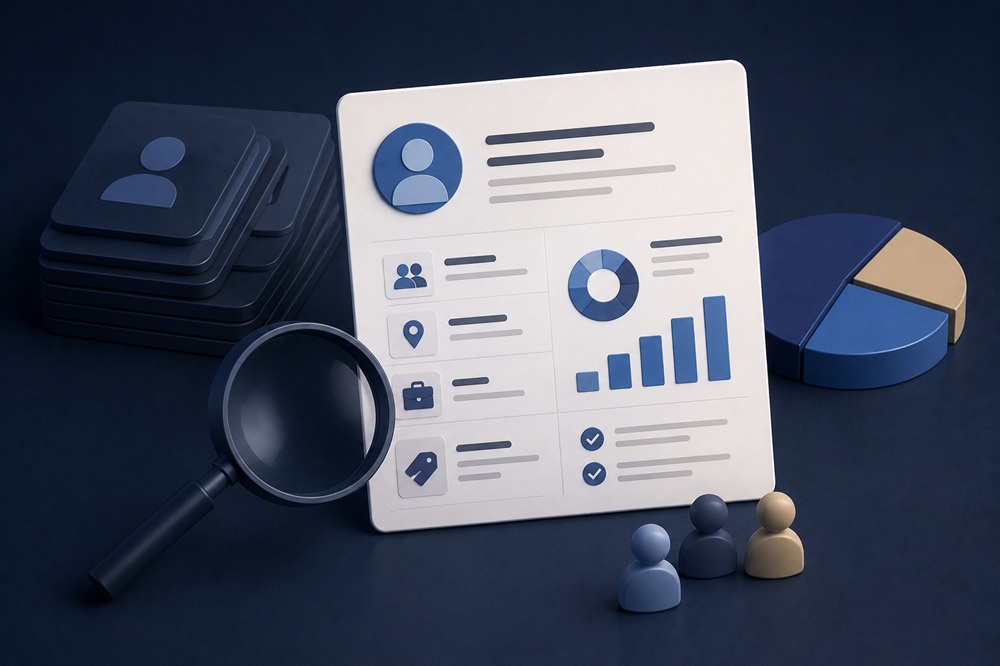
A data card (also called a list card or list datacard) is a standardized one-page summary describing a marketing list available for rental or purchase. It’s the specification sheet brokers and list owners use to market a list, and it contains the essential facts a buyer needs to evaluate fit before requesting counts or samples.
A typical data card includes several standard sections.
List description — what the list is and who’s on it (e.g., “subscribers to a healthcare trade publication”).
Universe / quantity — how many records are available in total.
Source — where the data came from (subscriptions, attendees, buyers, etc.).
Selections — the ways you can segment the list (by geography, title, industry, demographics) and the cost of each selection.
Pricing — base price per thousand (CPM) and selection charges.
Format and delivery — how the data is provided.
Usage terms — rental restrictions, approval requirements, and how often it can be used.
Updates — how often the list is refreshed.
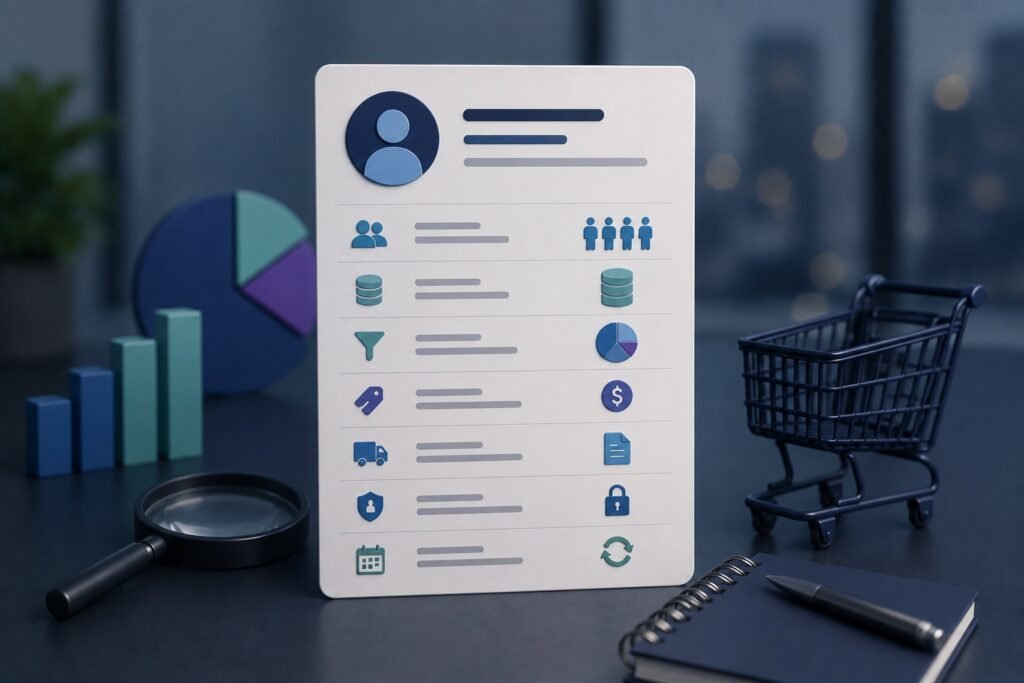
The data card is the starting point for list evaluation — it tells you whether a list is worth pursuing before you invest time in counts, samples, and negotiation. Reading it critically reveals both what a list offers and what it might be hiding.
Common questions
What is a data card?
A data card is a structured summary of information about a company, contact, product, account, or other data record. In B2B data, a data card typically shows key fields such as company name, industry, employee count, location, contact name, job title, email, phone number, technology usage, and other attributes. It is designed to let users quickly understand what information is available without opening the complete record.
What information is usually shown on a B2B data card?
A B2B data card can contain both company-level and contact-level information. Common fields include company name, website, industry, employee count, revenue, headquarters, contact name, title, department, seniority, email address, phone number, and location. Some providers also display technologies used, intent signals, funding information, parent-company relationships, or data-verification indicators.
How do you read a B2B data card?
Start with the fields that determine whether the record actually fits your target audience. Check the company, industry, location, size, and other firmographic information first. Then evaluate the individual’s title, department, seniority, and relationship to the company. Finally, review contact information, verification indicators, and freshness information. This helps distinguish a record that merely contains many fields from one that is genuinely useful for your purpose.
What is the difference between company and contact fields on a data card?
Company fields describe the organization, while contact fields describe the individual. Company fields can include industry, revenue, employee count, location, and website. Contact fields can include name, job title, department, seniority, email, and phone number. Both are important because successful B2B targeting requires identifying the right company and the right person within that company.
What does a data verification indicator mean?
A verification indicator usually shows that a particular field or record has been checked against a specified source or validation process. However, “verified” can mean different things between providers. An email may have been checked for deliverability, while a company record may have been matched against a business database. Buyers should ask what was actually verified, when it was verified, and how the vendor handles information that later becomes invalid.
What does a confidence score on a data card mean?
A confidence score is usually the vendor’s estimate of how reliable a particular piece of information or match is. The calculation can vary considerably between providers. A high score does not necessarily mean that the record is factually correct in every respect. Before relying on confidence scores, understand what inputs produce the score and whether it applies to the entire record or only a particular field.
Why does the date on a data card matter?
B2B information changes constantly. People change jobs, companies move, organizations merge, technologies are replaced, and contact details become invalid. A data card showing when a record or individual field was last verified can therefore be more useful than a generic claim that the database is “updated regularly.” Pay particular attention to dates for fields that change quickly, such as job title, employer, email, phone number, and technology usage.
What should you look for when evaluating a data card from a B2B vendor?
Look for field completeness, accuracy indicators, verification dates, company-to-contact matching, source information, and relevant segmentation fields. Also check whether important fields are missing or merely estimated. A data card with 30 fields is not necessarily better than one with 10 accurate fields. Focus on whether the information supports the specific sales, marketing, recruiting, or research decision you need to make.
How can data cards help sales teams?
Data cards allow salespeople to quickly qualify accounts and contacts without manually researching every prospect. They can reveal whether an account matches the ideal customer profile, identify relevant decision-makers, and provide contact information for outreach. When integrated with a CRM or sales platform, data cards can also support account research and prioritization. The information should still be validated before being used for high-value outreach.
How are data cards different from full B2B database records?
A data card is generally a summary view of a record, while the underlying database record may contain many additional fields, relationships, historical information, or metadata. The card is designed for quick evaluation; the full record may be used for filtering, enrichment, exports, integrations, or deeper research. When comparing vendors, ask what information is actually available behind the data card rather than judging the database solely from its preview interface.
How this applies to your business
Read data cards critically, starting with source and update frequency, because those two sections reveal data quality more than any other. A list’s description and universe may look attractive, but a weak source or stale updates undermine everything. Train yourself to read source first, updates second, and treat vagueness in either as a reason to dig deeper before investing time in counts and samples.
Use the selections section as both a targeting guide and a quality signal. The available selections tell you how precisely you can target — and how deep the underlying data is. A list rich in precise selections has substantial data behind it; one offering only broad selections is thin. Match the available selections to your targeting needs, and read selection depth as evidence of overall list quality.
Always verify counts and request a sample before committing, regardless of how good the data card looks. The card is a marketing document; the verified count under your specific criteria and an actual sample are the evidence. The data card narrows your options to lists worth pursuing — counts and samples confirm which of those will actually deliver. Never buy on the card alone.
Iscope Digital’s
Specialty Lists & Data Cards service provides access to vetted specialty lists with transparent data cards, verified counts, and samples before purchase. For evaluating the sourcing behind any list, see
Where does B2B contact data come from? and on why specialty verticals vary so much in price,
Specialty list pricing: why some verticals cost 10x more than others.